#1 ·
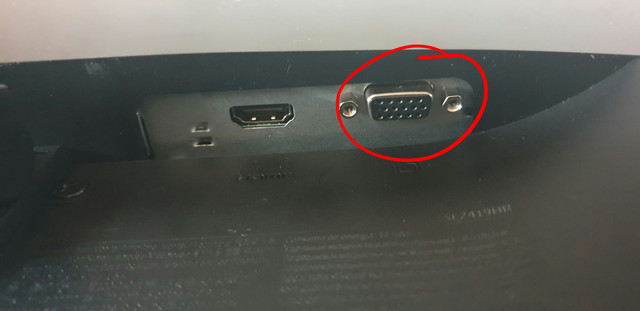
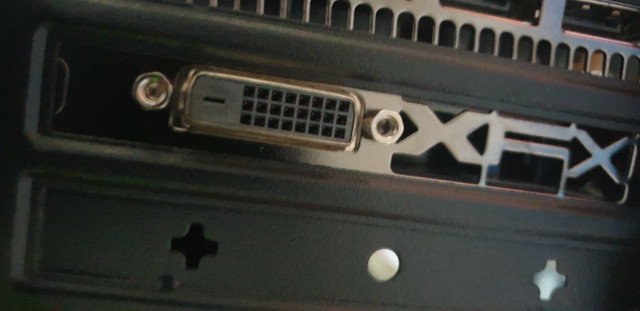
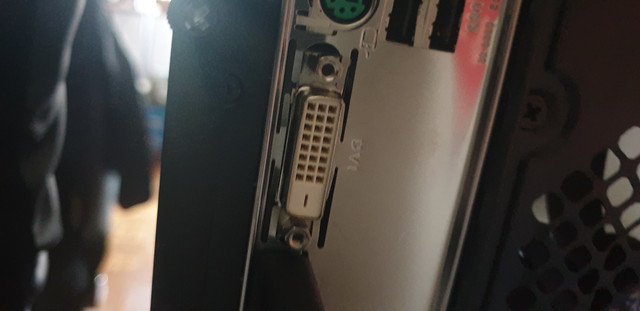
So, I just picked up a brand new monitor and a PC, and I was all set to dive into the whole Windows installation process. But here’s the thing: as soon as I plug the monitor into the PC using the HDMI cable, I get that "no signal" error message mentioned in the title. I mean, the HDMI port itself seems totally fine—it actually came right out of the box with the monitor—and I’ve made sure everything is seated properly. Just to be safe, I’ve spent the last little while playing trial and error, maybe ten times now, trying everything from swapping out the cable for my PlayStation one (which I know works perfectly) to reseating connections, rebooting the monitor, and even unplugging everything from the wall to drain the power. I don't happen to have a VGA cable lying around to test if that would work, though. I can't help but wonder if the issue might be with the PC itself? It's a new build, delivered fully assembled a couple of days ago.