

#1 ·
Lately, whenever I try to clear my browsing history, nothing actually happens—it just sits there spinning indefinitely. I’ve tried everything: logging out of Chrome, logging back in, toggying sync on and off... you name it. I honestly have no clue what's going wrong here. Here are some screenshots:
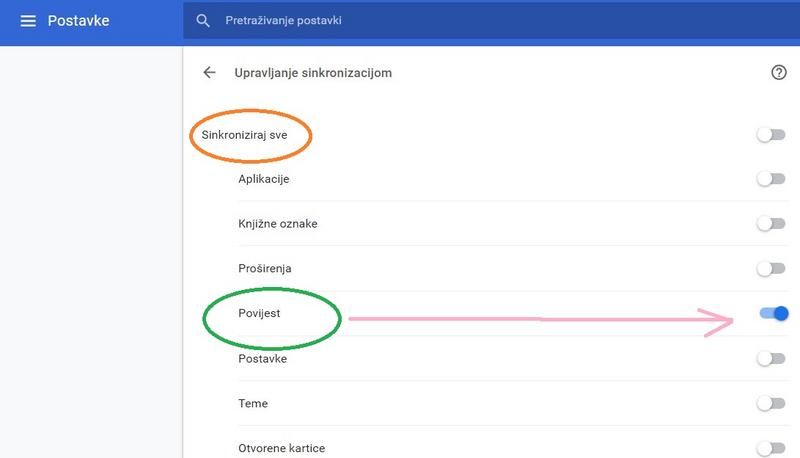
In the top one, I specifically set it to sync my browsing history.
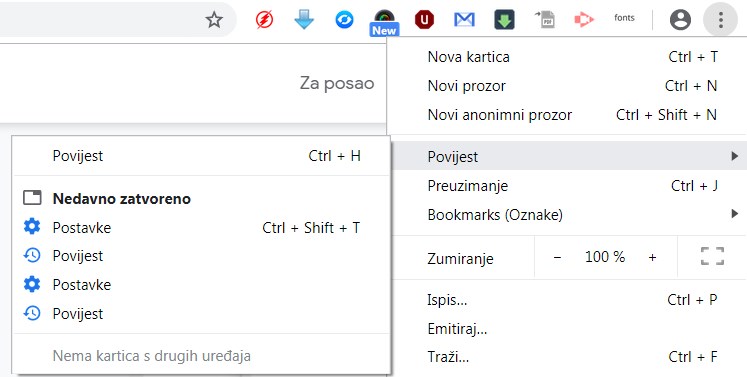
The bottom one shows how I'm attempting to clear the data via Chrome.
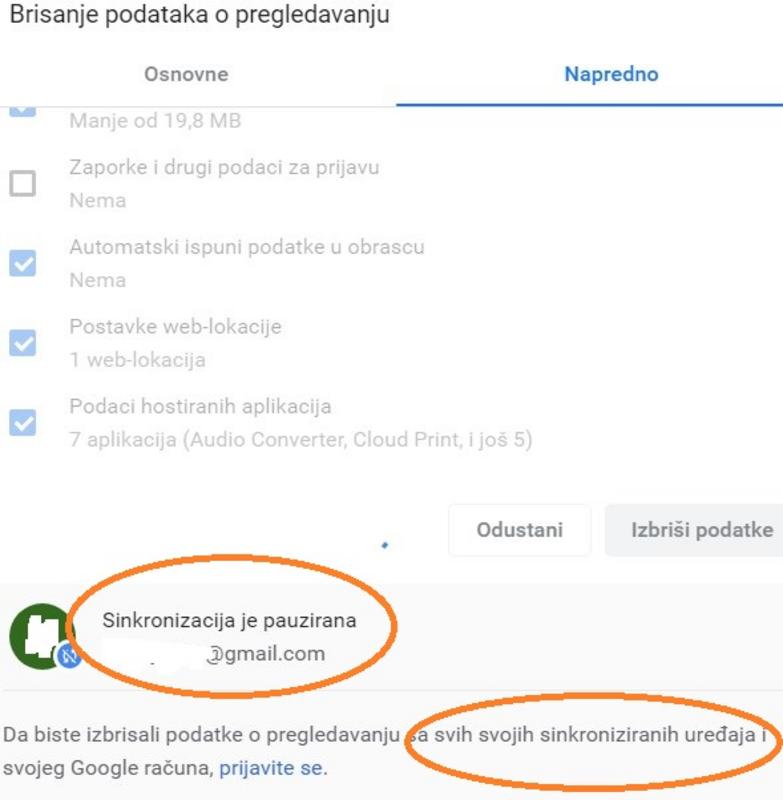
And this right here is the option to wipe the data from all my devices at once.
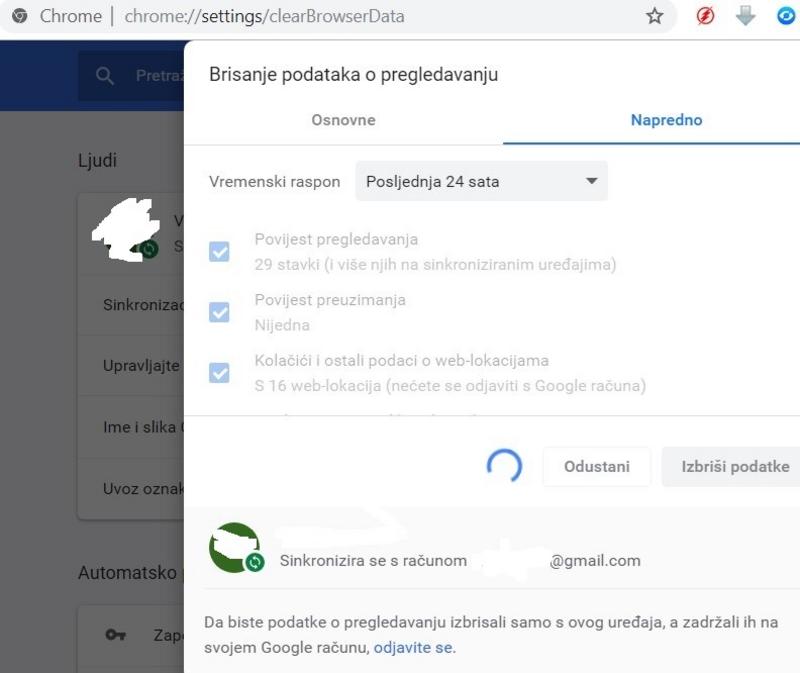
Lastly, this is the Chrome sync settings menu.
 closest gas
In the top one, I specifically set it to sync my browsing history.
The bottom one shows how I'm attempting to clear the data via Chrome.
And this right here is the option to wipe the data from all my devices at once.
Lastly, this is the Chrome sync settings menu.
closest gas