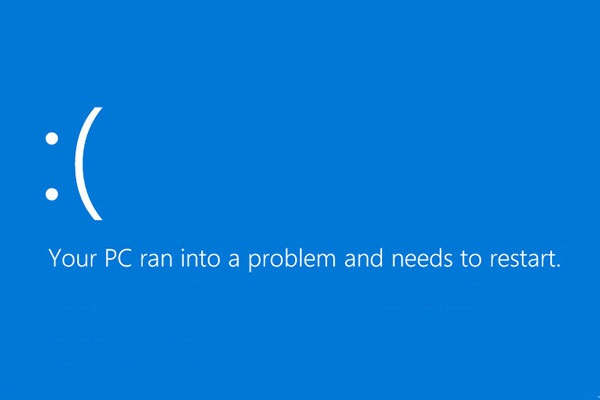
Major issues booting into Windows 10
in IT Support ·
Thanks wearymason4, this all sounds pretty reasonable to me. 👍
It seems like the fan is spinning, so I'll tackle the rest tomorrow morning. 😉
It looks like something even I can manage; most of this just requires fingers, since... well, it's not like I'm lacking tools. I used to have a screwdriver, but I can't seem to find it anywhere. 😁
wearymason4 said:- First thing, grab a tool like HD Tune or CrystalDiskInfo and check the SMART status on those drives to see if they're dying.
- While the PC is totally unplugged, double-check all the power cables hooked up to the motherboard and the rest of the gear. Just unclip them, peek at the pins to make sure nothing looks fried or burnt, then snap them back in. Do the same thing with the SATA cables for your drives—unplug 'em and plug 'em back in a few times.
- Pull the RAM sticks out and pop them back in one at a time. You can even take a standard pencil eraser and lightly rub the gold contacts to clean them off—just make sure you brush away any little eraser crumbs before you slide them back into the slots.
- Make sure that CPU fan actually spins up when you hit the power button.
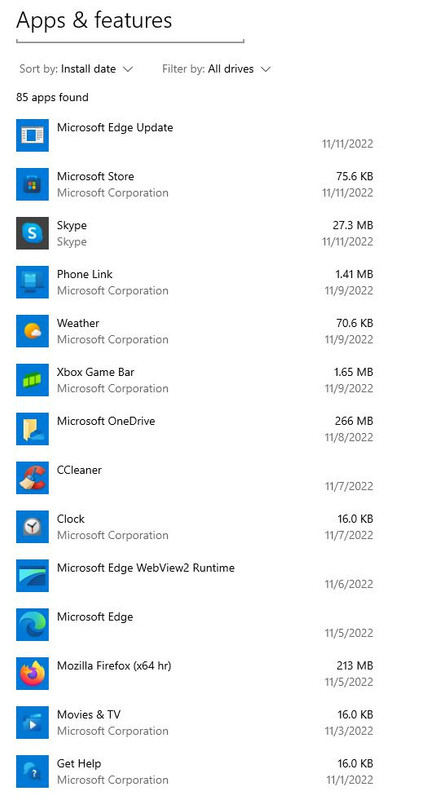
- As for software, get rid of CCleaner. Windows tends to have a bit of an "allergy" to it, even if that isn't the direct reason for the startup issues.
It seems like the fan is spinning, so I'll tackle the rest tomorrow morning. 😉
It looks like something even I can manage; most of this just requires fingers, since... well, it's not like I'm lacking tools. I used to have a screwdriver, but I can't seem to find it anywhere. 😁